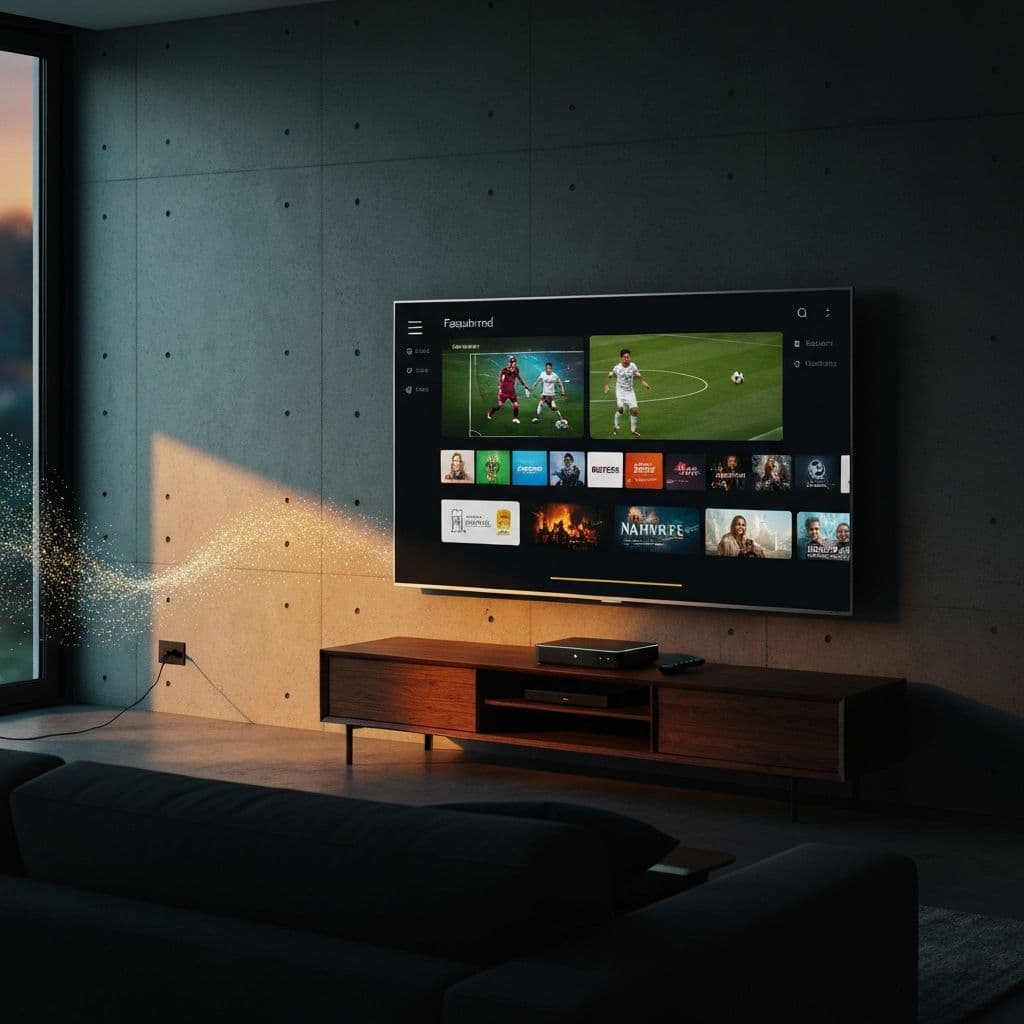
What is IPTV?
IPTV stands for Internet Protocol Television, a revolutionary technology that delivers television content over the internet rather than through traditional cable or satellite signals. Unlike conventional broadcasting methods, IPTV refers to a system where television services are delivered using the internet protocol suite over a packet-switched network such as the internet.
In simple terms, when you ask what IPTV is, think of it as streaming TV over your internet connection. Instead of receiving television signals through antenna, satellite dish, or fiber-optic cable, IPTV streams media content directly through your internet connection. This fundamental shift in how we receive television content has transformed the entertainment industry and given viewers unprecedented control over what they watch and when they watch it.
The IPTV market has exploded in recent years, with millions of cord-cutters worldwide making the switch from expensive cable packages to more affordable, flexible IPTV solutions. By 2026, IPTV has become the preferred method of television consumption for a significant portion of households globally.
How Does the Technology Work?
Understanding how IPTV works requires a basic knowledge of how content gets from the provider to your screen. The process involves several key components working together seamlessly to deliver high-quality video content to your device.
First, content is stored on servers maintained by the IPTV provider. When you select a channel or video, your request travels through the internet to these servers. The server then sends the requested content back to your device in small data packets. Your IPTV player or app reassembles these packets and displays the video on your screen in real-time.
IPTV uses a unicast or multicast protocol to deliver content. Unlike traditional broadcast TV that sends all channels simultaneously (whether you watch them or not), IPTV only sends the specific content you request. This makes it incredibly efficient and allows for features that traditional TV simply cannot offer.
Key Technical Components
- Content Delivery Network (CDN): Distributes content across multiple servers globally for faster delivery.
- Middleware: The software that manages the user interface and content delivery.
- Video on Demand (VOD) Servers: Store movies and shows for on-demand streaming.
- IPTV Set-Top Box or App: Decodes and displays the content on your TV.
Types of Streaming Services (Live TV / VOD / Time-shifted)
IPTV services typically offer three main types of content delivery, each serving different viewing preferences and needs:
1. Live Television
This is real-time broadcasting of TV channels over the internet. You can watch news, sports, and events as they happen, just like traditional TV. Premium IPTV services offer thousands of live channels from around the world, including local channels, international networks, and premium sports packages.
2. Video on Demand (VOD)
VOD allows you to browse a library of movies, TV shows, documentaries, and other content that you can watch whenever you want. Think of it like having Netflix, but often with a much larger selection of content, including the latest releases and classic favorites.
3. Time-Shifted Television
Also known as catch-up TV or start-over, this feature allows you to watch previously broadcast content. Missed the game last night? No problem. Time-shifted TV lets you go back and watch it from the beginning, even if the broadcast ended hours ago.
Are These Services Legal?
One of the most common questions we receive is: is IPTV legal? The answer is nuanced and depends on several factors. IPTV technology itself is completely legal and is used by major legitimate services worldwide.
Legal IPTV services include platforms you likely already use: Netflix, Hulu, Disney+, Amazon Prime Video, and even services from your cable provider like Xfinity Stream or AT&T TV. These services have proper licensing agreements to distribute the content they offer.
The legality concerns arise with unlicensed IPTV services that stream copyrighted content without authorization. While using such services may exist in a legal gray area for viewers in many jurisdictions, the providers of unlicensed streams face serious legal consequences.
How to Identify Legal IPTV Services
- They have a legitimate business presence with contact information.
- They accept standard payment methods (credit cards, PayPal).
- They have terms of service and privacy policies.
- They offer customer support and refund policies.
- Pricing is reasonable and transparent.
Internet TV vs Traditional Streaming (Netflix, YouTube TV)
When comparing IPTV vs OTT (Over-The-Top) services like Netflix, there are important distinctions to understand. While both deliver content over the internet, they serve different purposes and offer different advantages.
| Feature | IPTV | Netflix / OTT | | --- | --- | --- | | Live Channels | 20,000+ channels | Limited or none | | Live Sports | Extensive coverage | Limited | | VOD Library | 100,000+ titles | 5,000 – 15,000 titles | | Monthly Cost | $10 – $15 / month | $15 – $25 / month each | | International Content | Global channels | Region-locked |
The key advantage of IPTV over services like Netflix is the inclusion of live television, particularly live sports, news, and events. While Netflix excels at original content and on-demand viewing, it cannot replace the live TV experience that many viewers still desire.
Do You Need a Special Device?
One of the best things about IPTV is its flexibility when it comes to devices. You likely already own something that can run IPTV services. Here are the most common devices used for IPTV:
- Smart TVs — Samsung, LG, Sony, and most modern smart TVs support IPTV apps.
- Streaming Devices — Amazon Firestick, Roku, Apple TV, Chromecast with Google TV.
- Mobile Devices — iOS and Android phones and tablets.
- Computers — Windows, Mac, and Linux computers via apps or web browsers.
- Android TV Boxes — NVIDIA Shield, Xiaomi Mi Box, generic Android boxes.
- Gaming Consoles — Xbox and PlayStation (via web browser or dedicated apps).
How to Choose a Provider
With hundreds of IPTV providers available, choosing the right one can be overwhelming. Here are the key factors to consider when selecting an IPTV service:
- Channel Selection — Look for providers offering channels from your country and the content types you enjoy (sports, movies, news, etc.).
- Streaming Quality — Ensure they offer HD, FHD, and ideally 4K streams with minimal buffering.
- Trial Period — A reputable provider will offer a trial so you can test their service before committing.
- Customer Support — 24/7 support via live chat, email, or WhatsApp is essential for quick problem resolution.
- Device Compatibility — Make sure the service works with all the devices you plan to use.
How Much Does It Cost?
IPTV pricing varies significantly depending on the provider, the number of channels, and the subscription length. However, most quality IPTV services are substantially cheaper than traditional cable or satellite TV.
Typical IPTV Pricing
| Plan | Price | Notes | | --- | --- | --- | | Monthly subscription | $10 – $15 / month | Best for short-term use | | 3-month package | $25 – $40 total | Save around 20% | | 12-month package | $50 – $80 total | Best overall value |
Compare this to average cable bills of $100 – $200 per month, and you can see why millions are making the switch to IPTV. Over a year, you could save $1,000 or more while getting access to significantly more content.
Getting Started with Streaming
Ready to start your IPTV journey? Here is a simple step-by-step guide to get you streaming in minutes:
- Choose a Provider — Research and select a reputable IPTV provider that fits your needs and budget. Look for providers offering trial periods.
- Subscribe and Get Credentials — Complete your subscription and receive your login credentials (usually a username, password, and server URL).
- Download an IPTV Player — Install an IPTV player app on your device. Popular options include IPTV Smarters Pro, TiviMate, and GSE Smart IPTV.
- Enter Your Credentials — Open the IPTV player and enter your login details or M3U playlist URL provided by your IPTV service.
- Start Streaming — Browse the channel list, select your favorite content, and enjoy your new IPTV experience.
Ready to cut the cord? Explore our plans to get started with premium IPTV today.
Frequently Asked Questions
Get Started with GlobalIPTV Today
Join thousands of satisfied customers streaming 120,000+ channels in crystal-clear 4K quality.

Mohamed Boudrika
Founder & CEO of GlobalIPTV
IPTV industry expert with years of experience in digital streaming solutions. Passionate about delivering premium entertainment worldwide.
Learn more about Mohamed